Memberships for the places you love
Your people.Your places.Your way in.
The next night. A familiar face. A membership that makes it all a little more yours. Keep your clubs, your card and your plans together.
Your memberships open after you sign in.
For clubs
Clubs set plans, welcome members at the door, and send updates from their own workspace.
- Member card
- Reservations
- Messages
Your membership
After hours.
Always welcome.
Your name
Member
Belonging comes with benefits
More than being on the list.
A membership made by your club
Each club chooses its own plans, prices and benefits. Compare what's included and find the right fit before you join.
Your card, wherever you go
Your membership, tier and entry QR stay together. Open your card at the door and let the team take care of the rest.
Keep the conversation going
Reserve upcoming events, bring guests where your plan allows, and message your club directly.
Inside the member app
Your card, your nights and your club in one app.
These are the screens members use, plus the door screen the club team sees when you arrive.
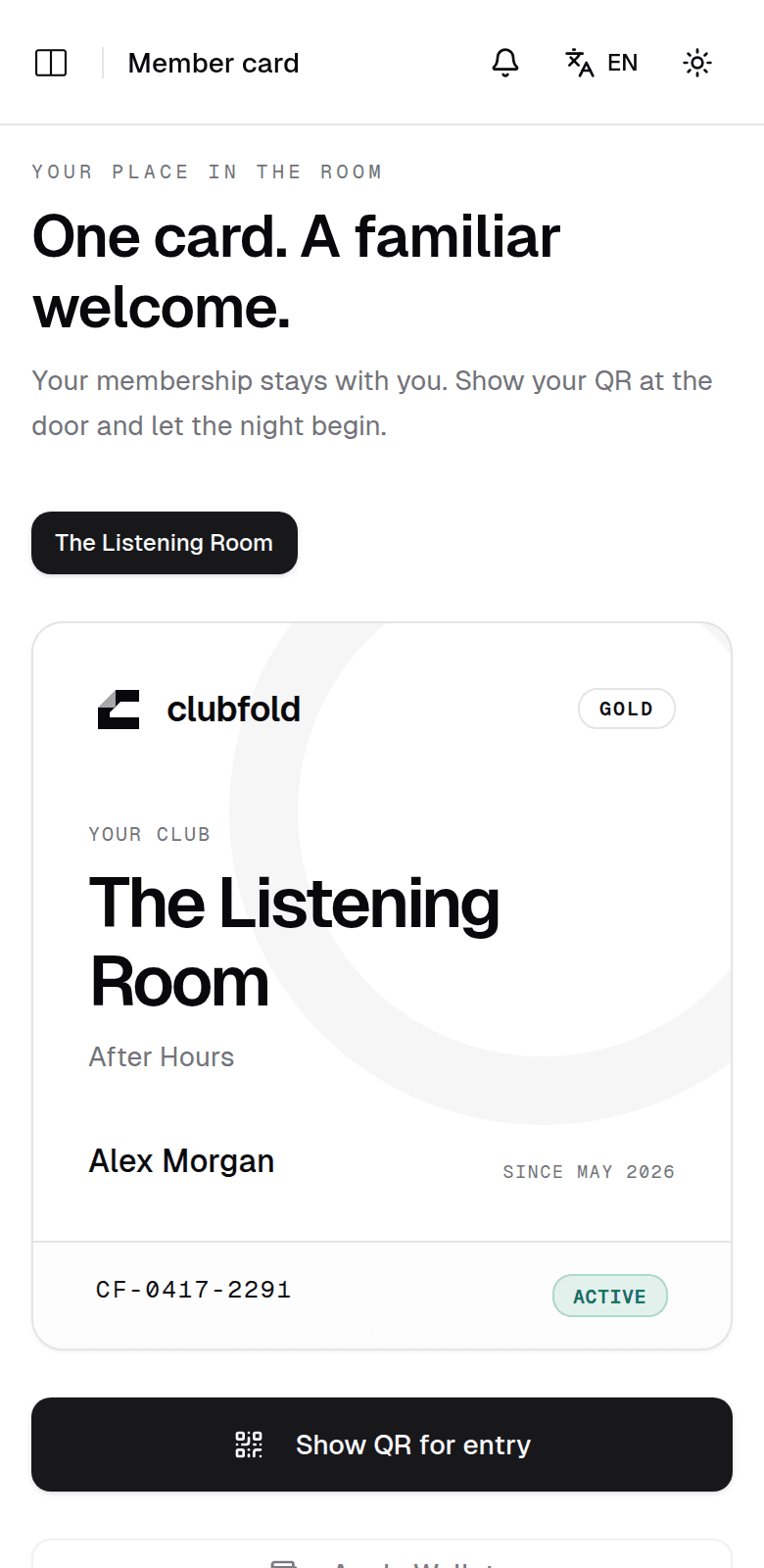
01Member card
Your membership, ready at the door.
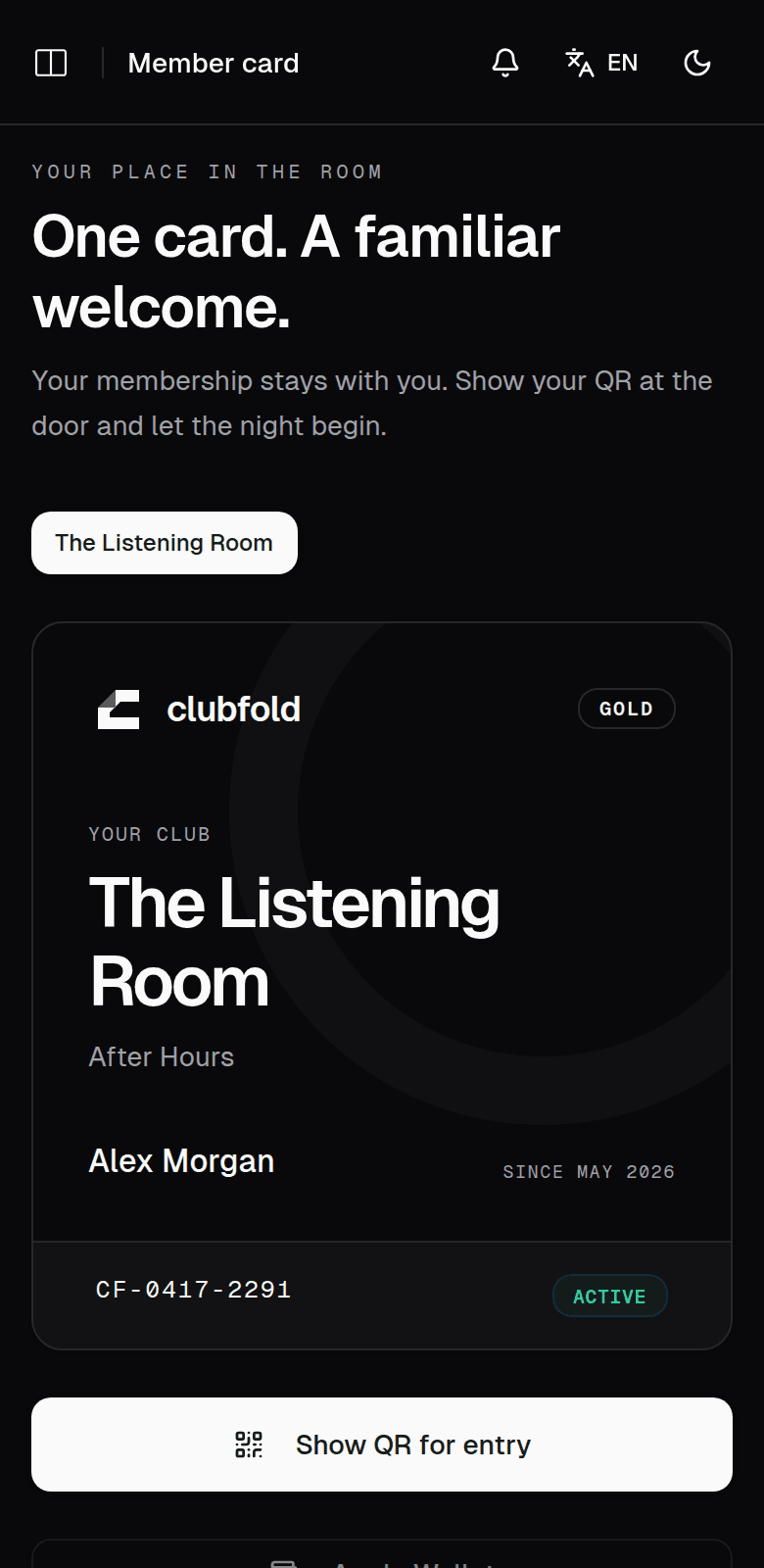
Your card shows your club, plan, tier and member number. When you arrive, open your entry QR and the door team takes it from there.
- The plan and benefits you joined with stay on your card
- A separate card for every club you belong to
- Your entry QR stays behind your sign-in
Member card · member app 02Events
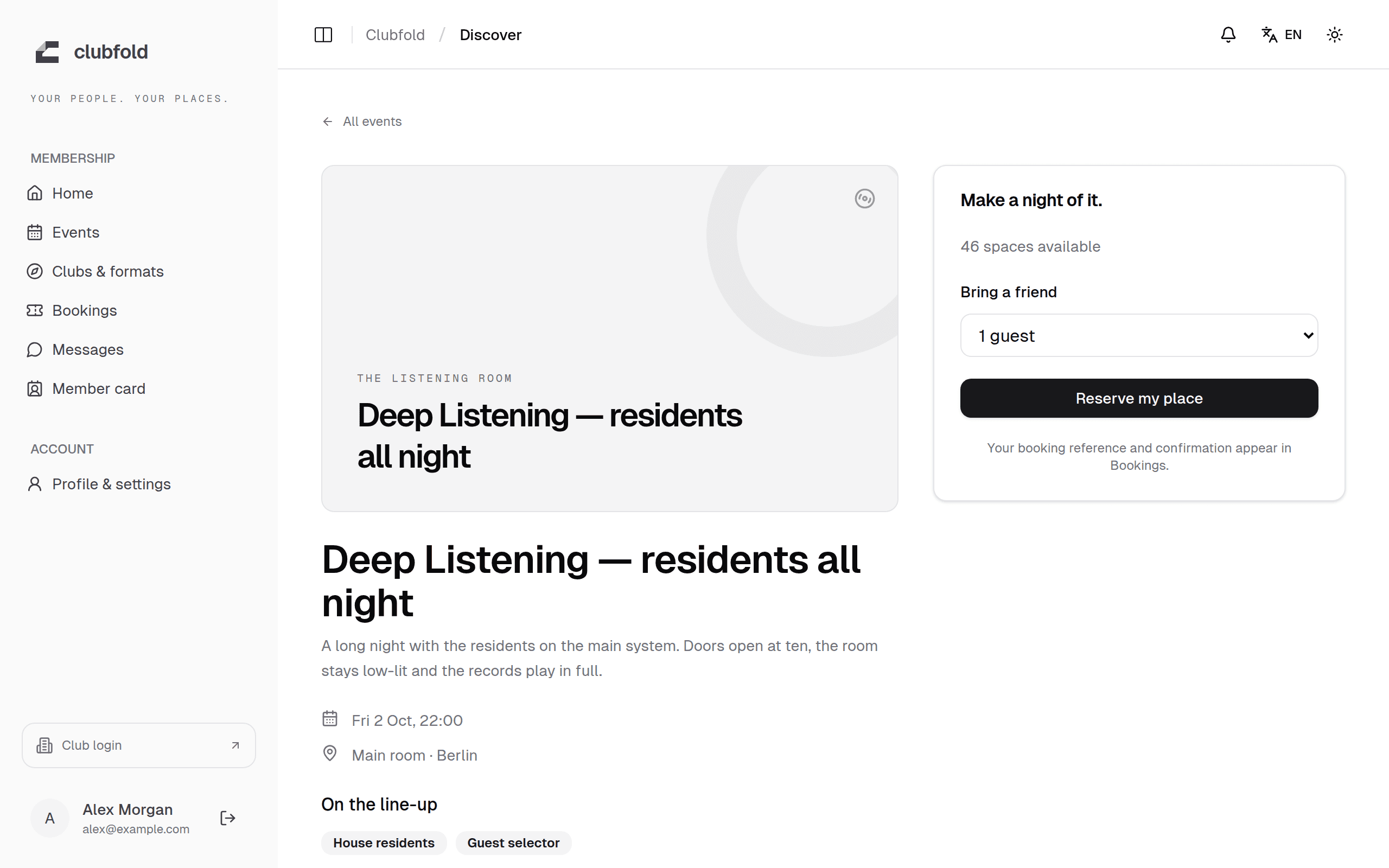
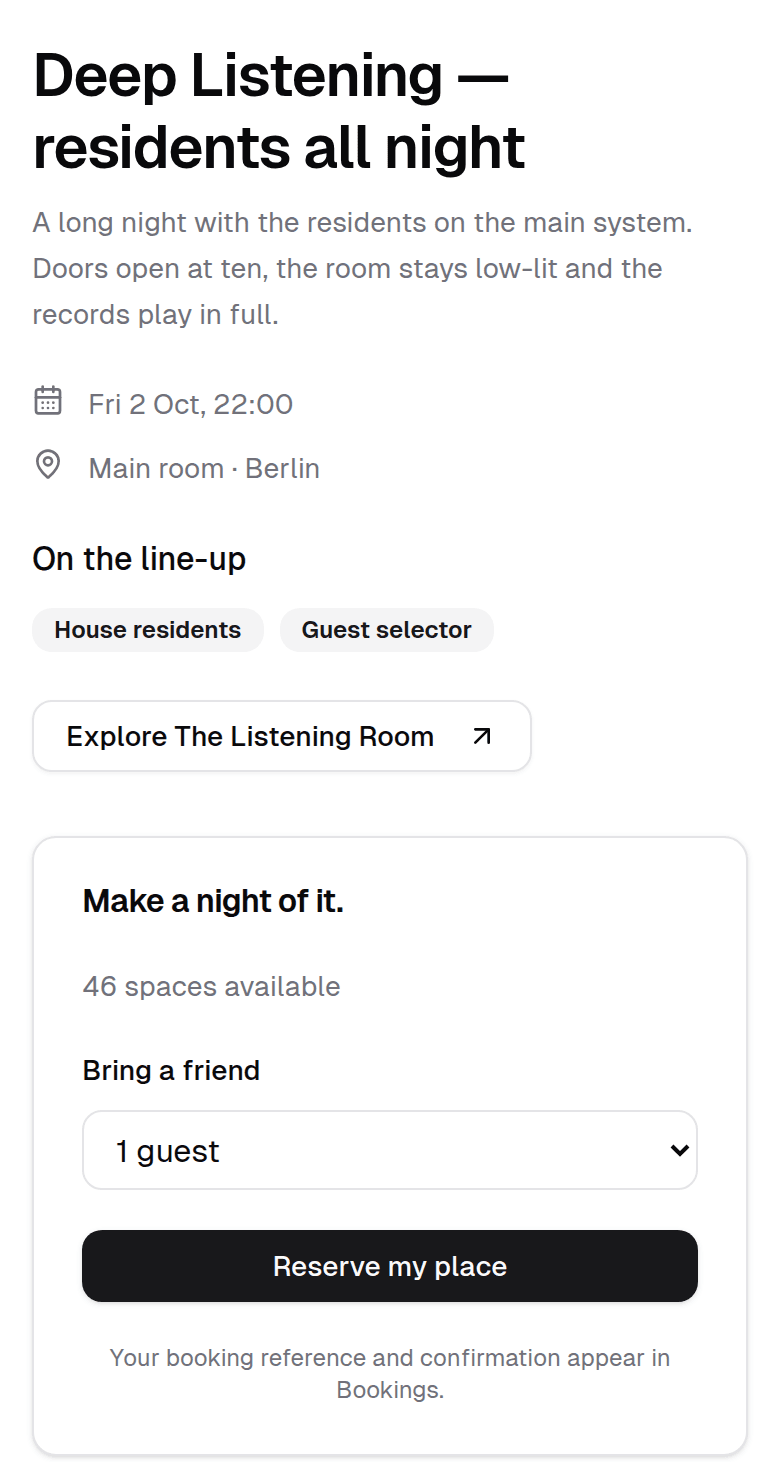
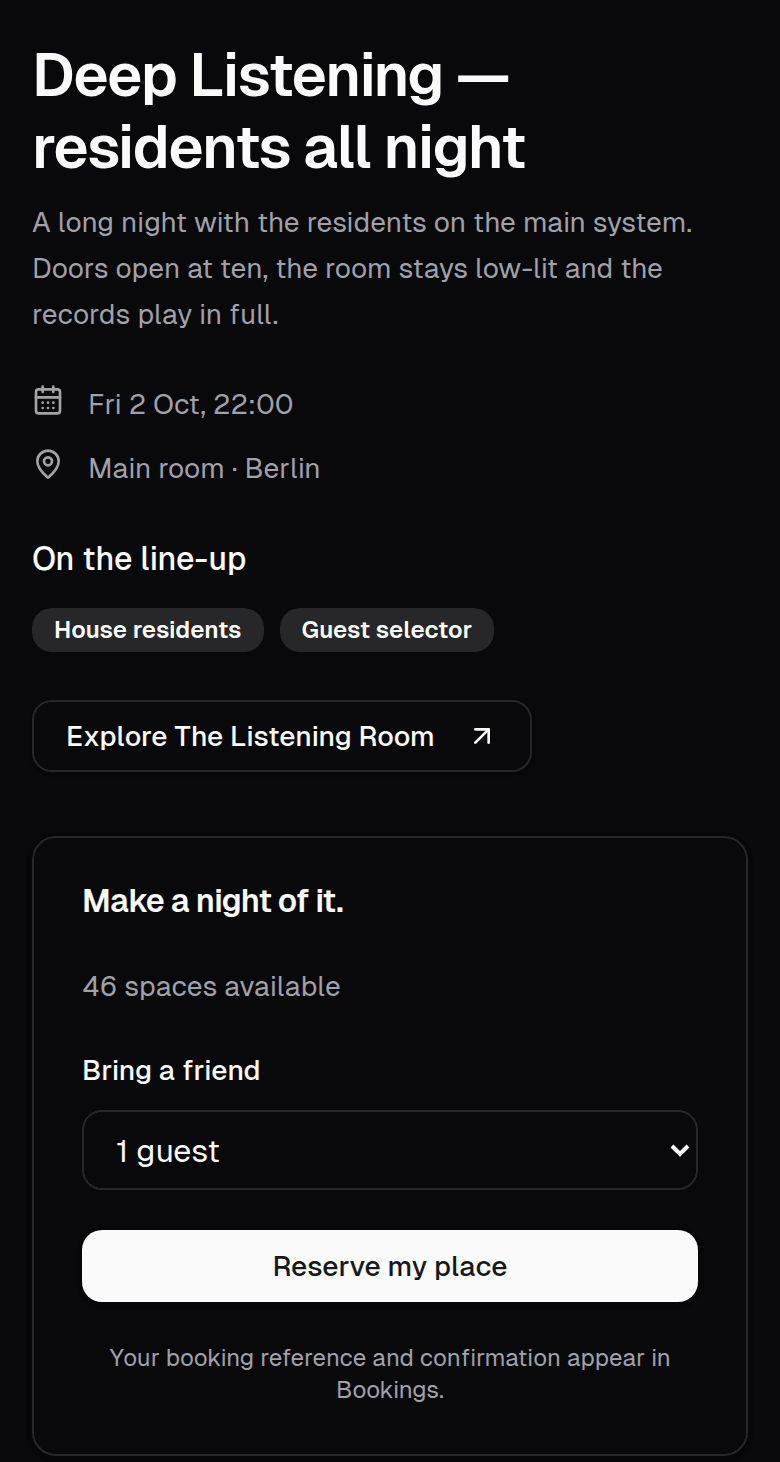
Reserve your place. Bring a friend.
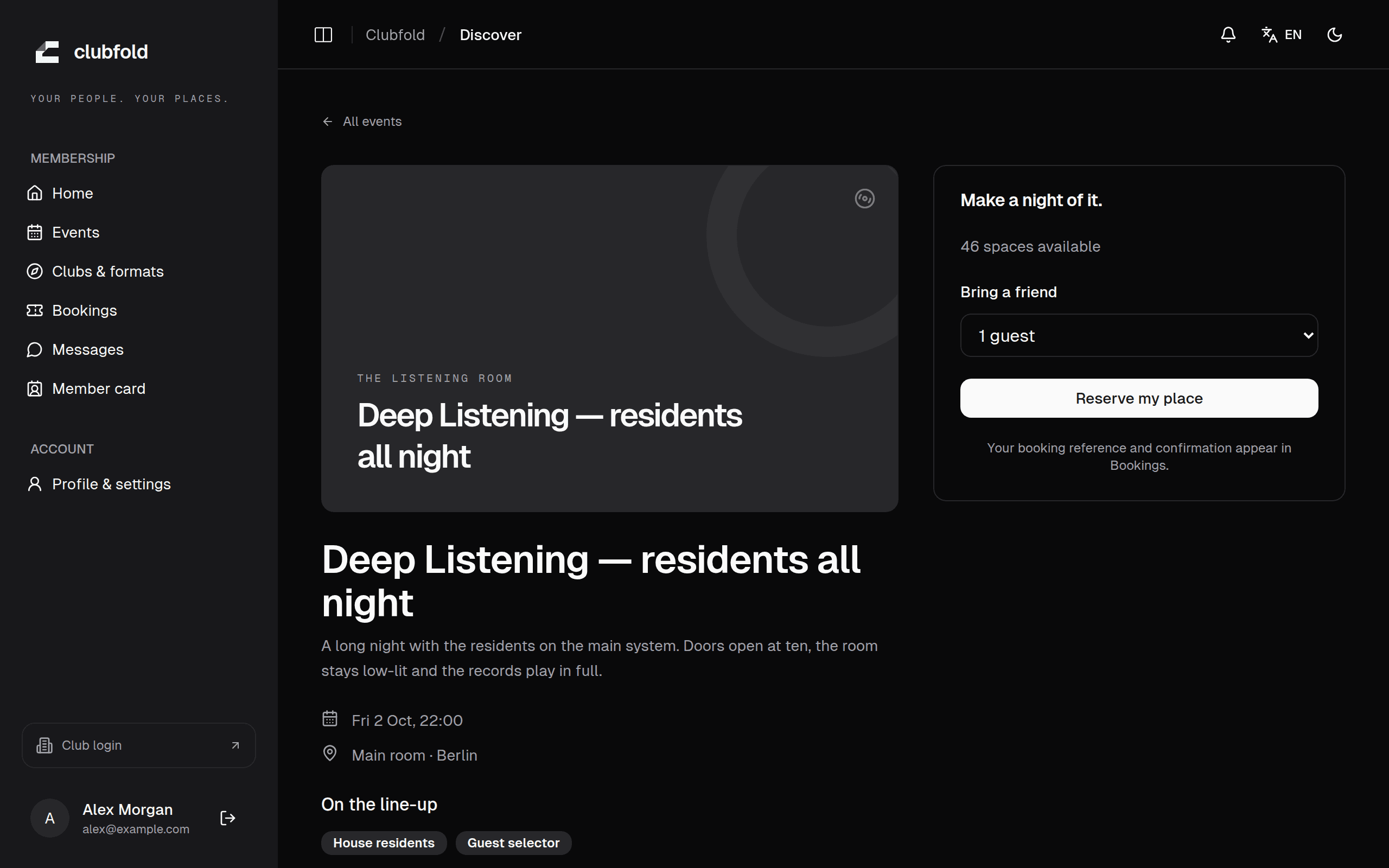
Open a night to see the date, the room and the line-up. Reserve in one step, add a guest when your plan allows it, and find your booking reference in Bookings.
- See how many places are left before you reserve
- Every guest counts toward the room's capacity
- Members-only nights stay with members
Event page · member app 03Door check-in
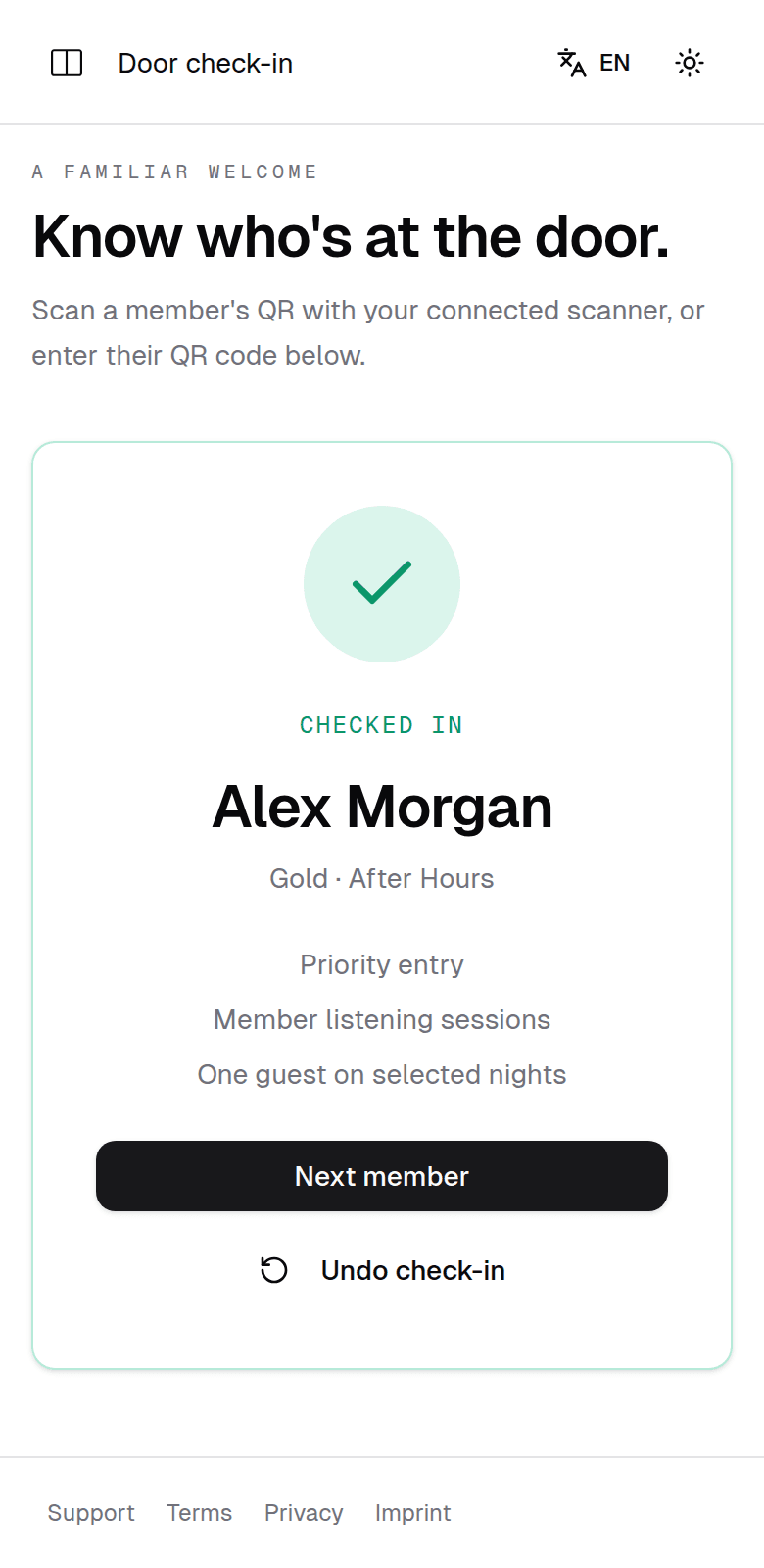
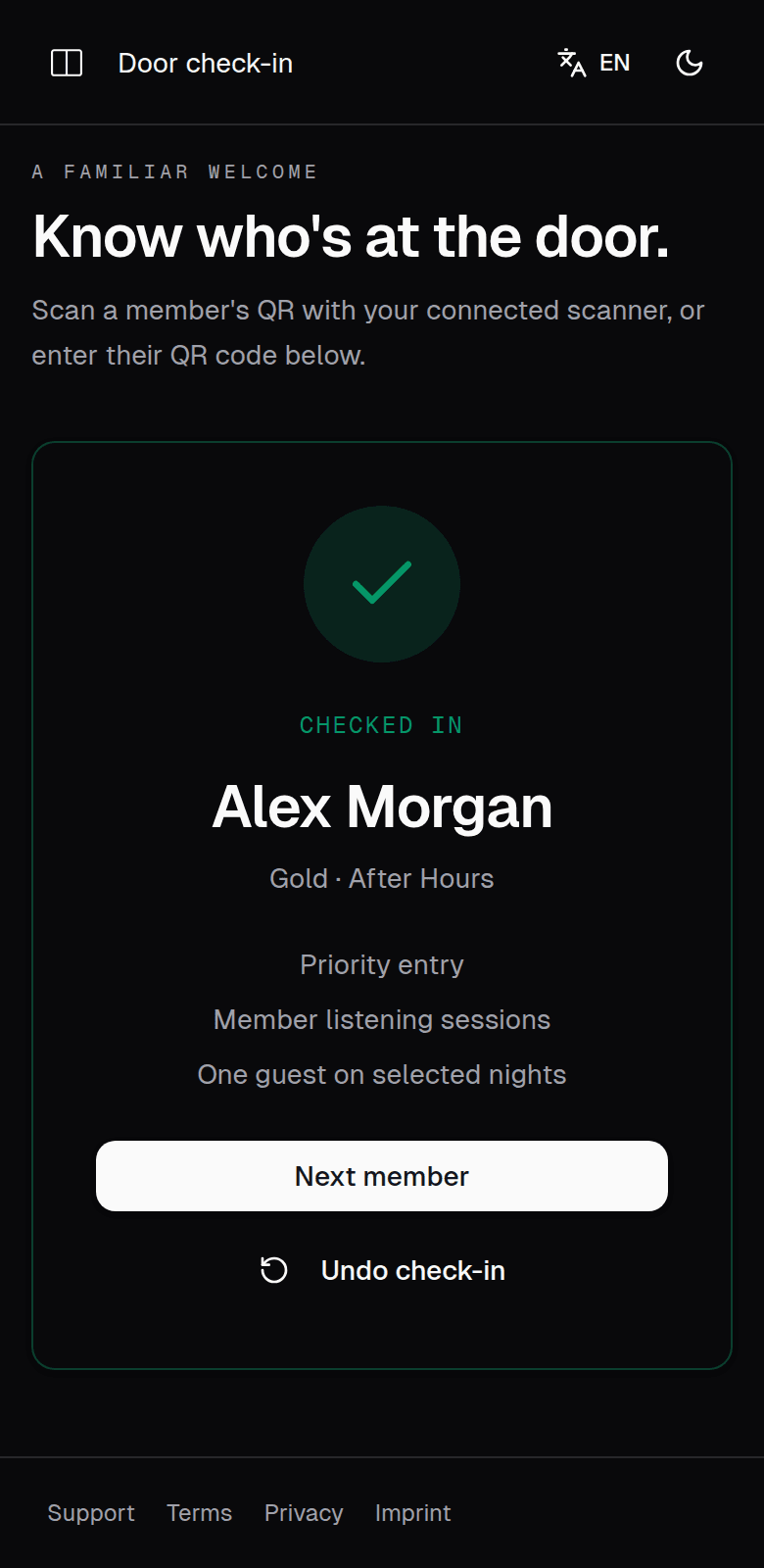
A quick hello at the door.
The team scans your QR. Clubfold checks your membership, and your reservation for that night, before it confirms you're in.
- Your membership is checked again at every visit
- Duplicate check-ins are turned away
- The team sees your name, tier and perks
Door check-in · club team view 04Messages
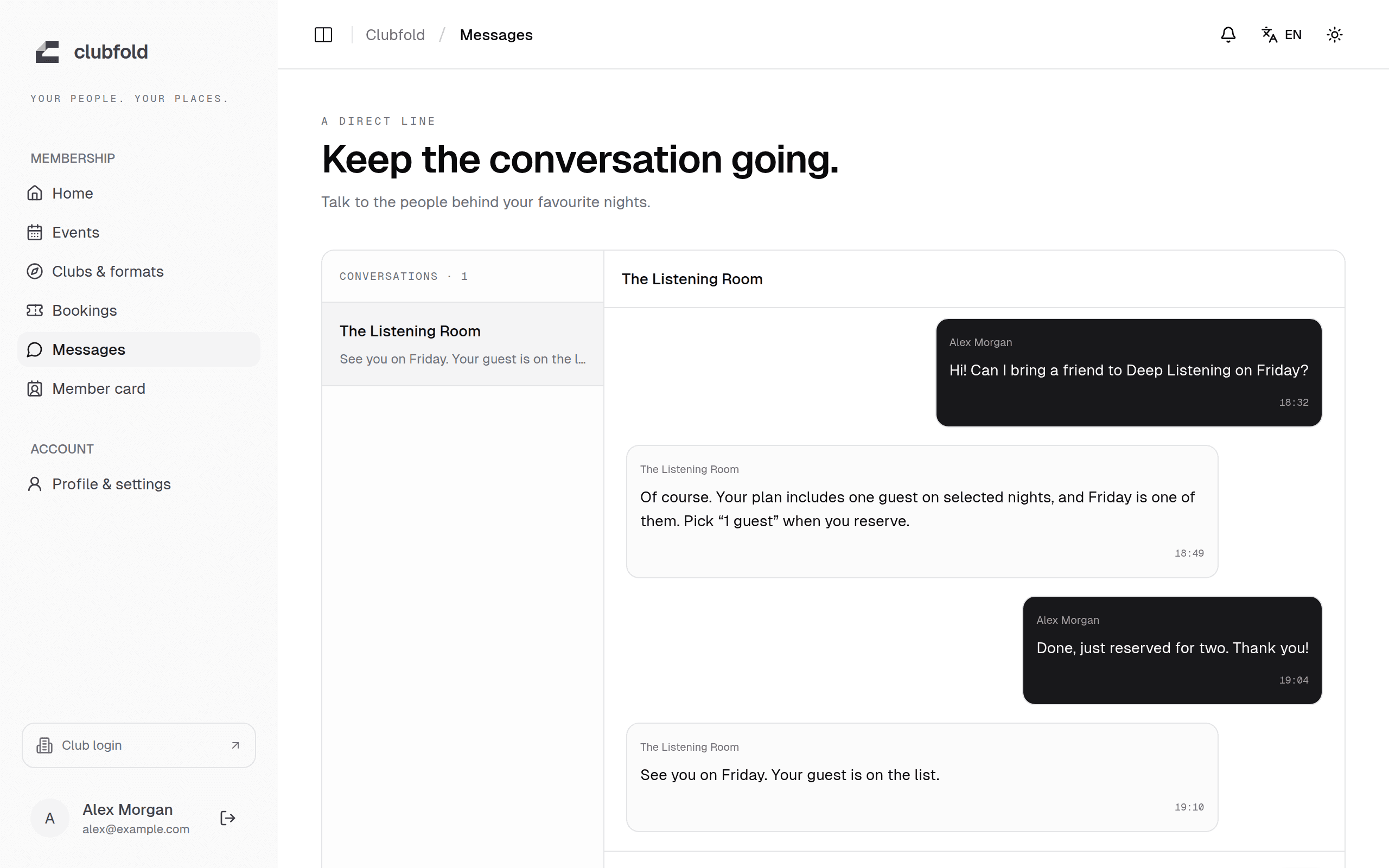
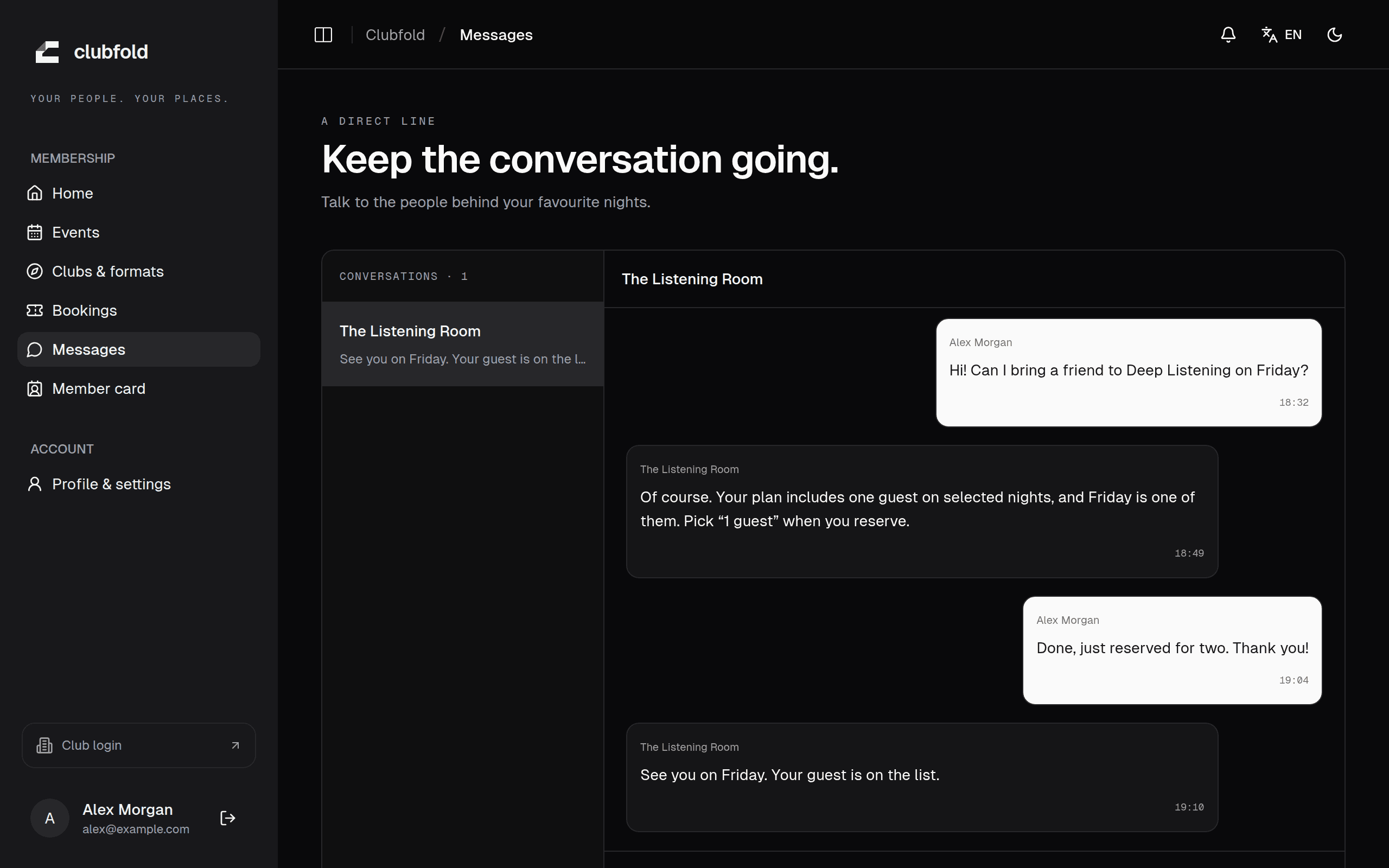
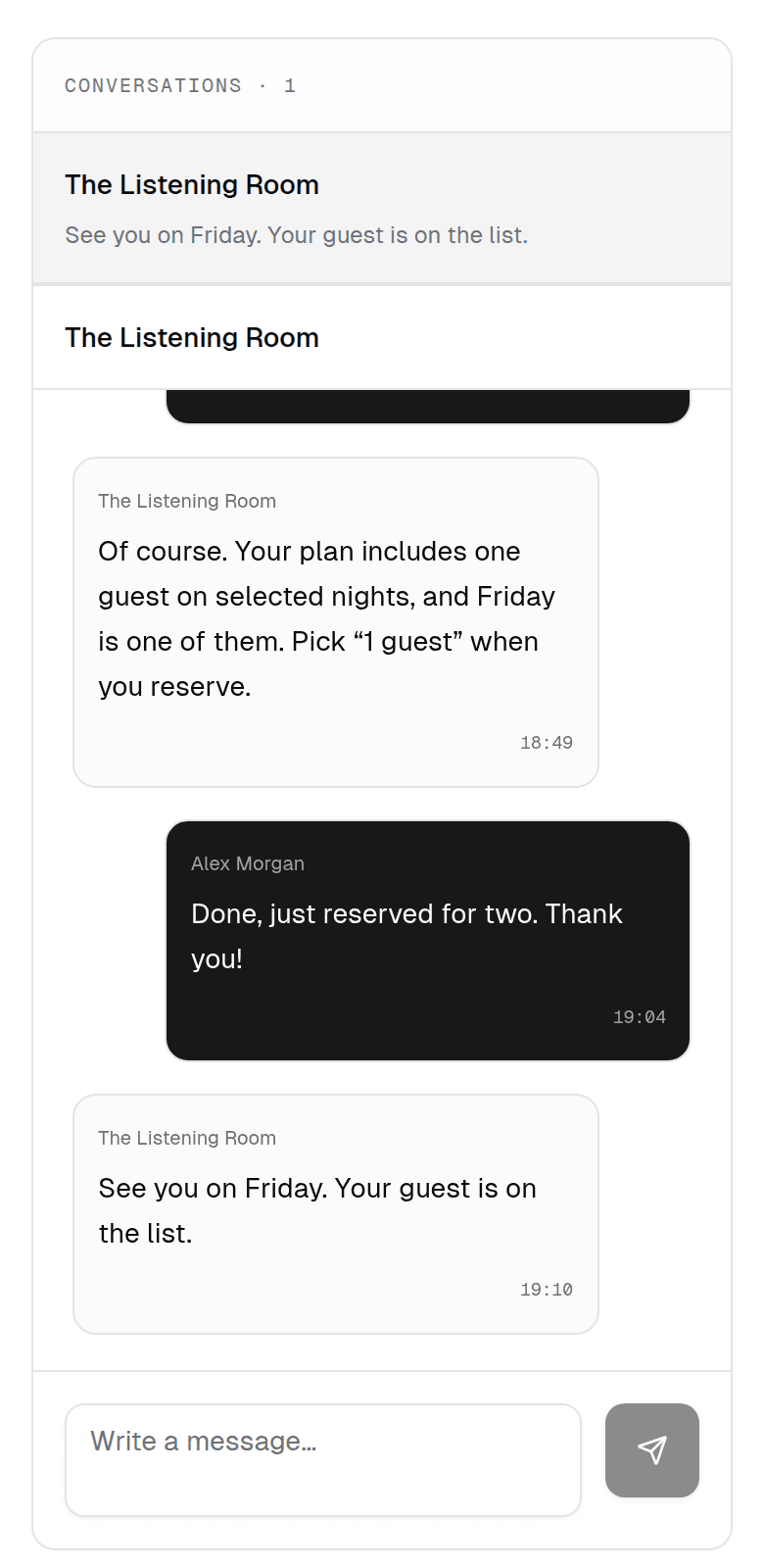
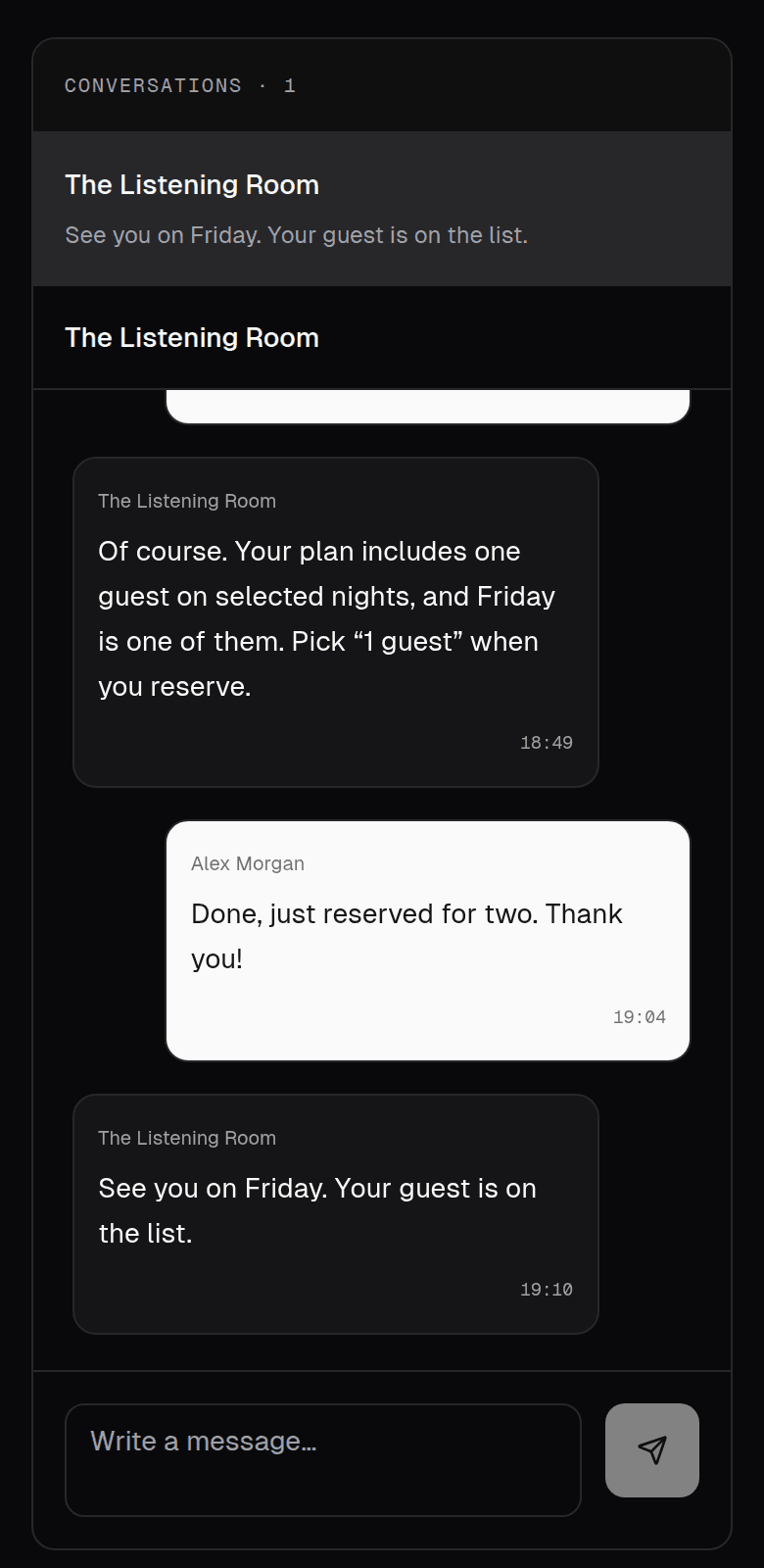
Talk to your club directly.
Ask about a night, a guest or your plan, and hear back from the people who run the room. Club updates reach you in your notifications as well.
- A private conversation with each club
- New replies are marked until you read them
- Club emails reach you only if you opt in
Messages · member app
For members
Three steps. Then the night is yours.
- 01
Find the club
Open a published club and compare the plan, price and benefits before you join.
- 02
Join when it fits
A free plan opens at once. A paid plan starts only after the payment provider confirms it.
- 03
Bring the card
Show the entry QR from your card. The door checks that membership again.
Clubs you can open
Find a club. Then make it yours.
Published listings with their real starting price. Original listings open on the organizer's own page.
Club listings are unavailable right now.
Open the full directoryIn Clubfold
The parts, one by one.
- 01MembershipsClubs set the name, price, interval, benefits and tier. Those terms stay with the membership.
- 02Member cardMembership, tier and entry QR stay together for that club. The in-app card is the pass at the door.
- 03EventsReservations count you and every guest. Capacity includes pending paid checkouts.
- 04The doorStaff scan a member QR or open the guest list, then admit that visit for the selected club.
- 05MessagesMembers can message their club. Announcement email is opt-in, and clubs have a send limit.
Bring your people
Tell us the club you want.
Tell us where you feel at home. Leave your details and we'll get in touch about bringing Clubfold to your club.